
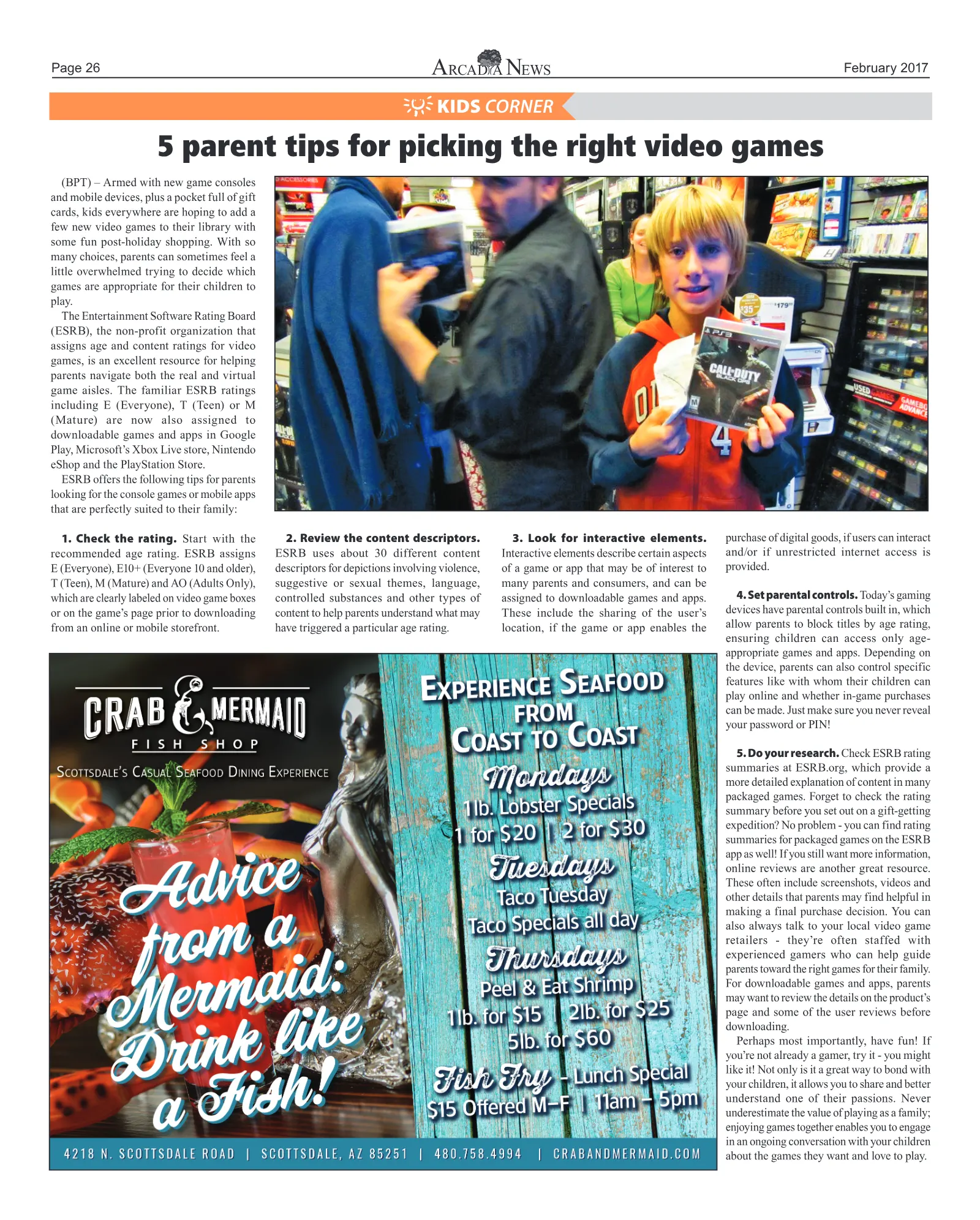

Page 26 February 2017 KIDS CORNER (BPT) – Armed with new game consoles and mobile devices, plus a pocket full of gift cards, kids everywhere are hoping to add a few new video games to their library with some fun post-holiday shopping. With so many choices, parents can sometimes feel a little overwhelmed trying to decide which games are appropriate for their children to play. The Entertainment Software Rating Board (ESRB), the non-profit organization that assigns age and content ratings for video games, is an excellent resource for helping parents navigate both the real and virtual game aisles. The familiar ESRB ratings including E (Everyone), T (Teen) or M (Mature) are now also assigned to downloadable games and apps in Google Play, Microsoft’s Xbox Live store, Nintendo eShop and the PlayStation Store. ESRB offers the following tips for parents looking for the console games or mobile apps that are perfectly suited to their family: 1. Check the rating. Start with the recommended age rating. ESRB assigns E (Everyone), E10+ (Everyone 10 and older), T (Teen), M (Mature) and AO (Adults Only), which are clearly labeled on video game boxes or on the game’s page prior to downloading from an online or mobile storefront. 2. Review the content descriptors. ESRB uses about 30 different content descriptors for depictions involving violence, suggestive or sexual themes, language, controlled substances and other types of content to help parents understand what may have triggered a particular age rating. 3. Look for interactive elements. Interactive elements describe certain aspects of a game or app that may be of interest to many parents and consumers, and can be assigned to downloadable games and apps. These include the sharing of the user’s location, if the game or app enables the purchase of digital goods, if users can interact and/or if unrestricted internet access is provided. 4. Set parental controls. Today’s gaming devices have parental controls built in, which allow parents to block titles by age rating, ensuring children can access only age- appropriate games and apps. Depending on the device, parents can also control specific features like with whom their children can play online and whether in-game purchases can be made. Just make sure you never reveal your password or PIN! 5. Do your research. Check ESRB rating summaries at ESRB.org, which provide a more detailed explanation of content in many packaged games. Forget to check the rating summary before you set out on a gift-getting expedition? No problem - you can find rating summaries for packaged games on the ESRB app as well! If you still want more information, online reviews are another great resource. These often include screenshots, videos and other details that parents may find helpful in making a final purchase decision. You can also always talk to your local video game retailers - they’re often staffed with experienced gamers who can help guide parents toward the right games for their family. For downloadable games and apps, parents may want to review the details on the product’s page and some of the user reviews before downloading. Perhaps most importantly, have fun! If you’re not already a gamer, try it - you might like it! Not only is it a great way to bond with your children, it allows you to share and better understand one of their passions. Never underestimate the value of playing as a family; enjoying games together enables you to engage in an ongoing conversation with your children about the games they want and love to play. 5 parent tips for picking the right video games
Page 27 February 2017 FUN FACTS A baby octopus is about the size of a flea when it is born. Banging your head against a wall burns 150 calories an hour. Billy goats urinate on their own heads to smell more attractive to females. The person who invented the Frisbee was cremated and made into frisbees after he died! Recycling one glass jar saves enough energy to watch TV for 3 hours. You cannot snore and dream at the same time. The following can be read forward and backwards: Do geese see God? A sheep, a duck and a rooster were the first passengers in a hot air balloon. Catfish are the only animals that naturally have an odd number of whiskers. In Uganda, 50% of the population is under 15 years of age. Facebook, Skype and Twitter are all banned in China. Over 90% of all fish caught are caught in the northern hemisphere. About 8,000 Americans are injured by musical instruments each year. KIDS CORNER MASCOT MATCHUP SAINT THERESA TAVAN MIDDLE SCHOOL XAVIER VERITAS Draw a line from the school name to the corresponding shape. A baby octopus is about the size of a flea when it is born. Banging your head against a wall burns 150 calories an hour. A baby octopus is about the size of a flea when it is born. Banging your head against a wall burns 150 calories an hour. In Uganda, 50% of the population is under 15 years of age. Billy goats urinate on their own heads to smell more attractive to females. Recycling one glass jar saves enough energy to watch TV for 3 hours. The following can be read forward and backwards: Do geese see God? Catfish are the only animals that naturally have an odd number of whiskers. Facebook, Skype and Twitter are all banned in China. About 8,000 Americans are injured by musical instruments each year.